Raliera


Create a program
Create open play, clinics and other programs with their schedule, capacity and a price for every membership plan and for non-members.
Who can do this: The Club Director, and staff the Director has given this job in Team Access.
Start a program
- Choose Programs in the sidebar, then New Program.
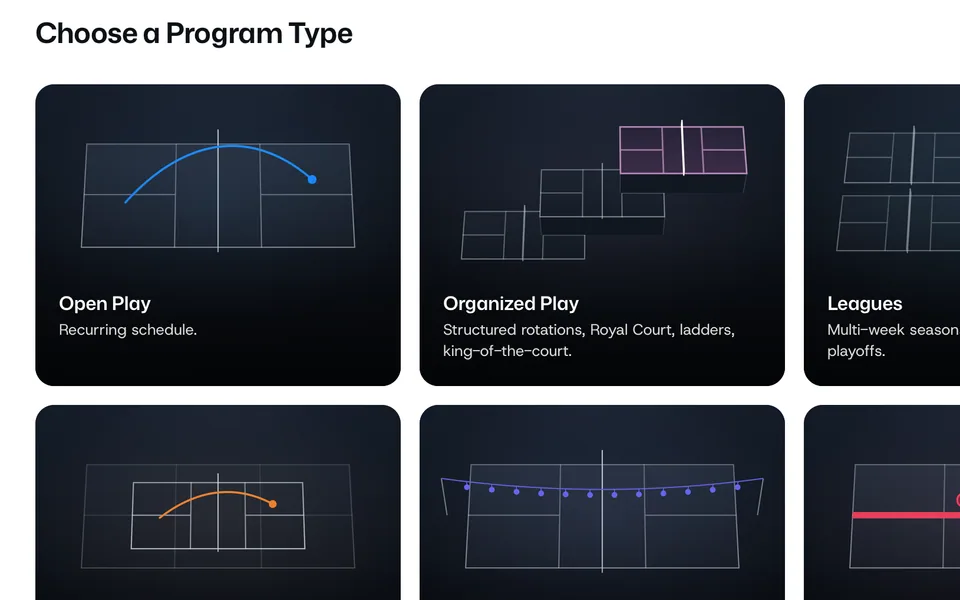
- Under Choose a Program Type, pick the kind of program, for example open play or a clinic.
Basics and schedule
- Under Basics, type the Program name and check the Category. Add Artwork if you have a picture for it.
- Under Schedule, set the Capacity for each session, then the Days, Time and Dates.
- For more than one weekly time, press Add Another Time Block.
Prices
- Under Pricing, the Prices tab has a column for each membership plan and a Non-member price.
- A plan can keep its membership price, take its own price, or be set to Not offered.
- Check that no plan pays more than non-members, and that the non-member price is not left at $0.
Enrollment
Under Enrollment, set when Registration closes, the Minimum players, and the Waitlist: Waitlist When Full or No Waitlist. Roster decides whether players can see who else signed up.
Publish
- Press Publish Program to put it live, or Save as Draft to finish it later.
- A live program shows Save Program for later changes.